Philippines Digital Banks Explained: Are Maya, GoTyme and Other Online Banks Safe and Worth Using?
Wondering if Philippine digital banks are safe? Learn how PDIC coverage works, how to compare savings features, and a practical way to split your money.
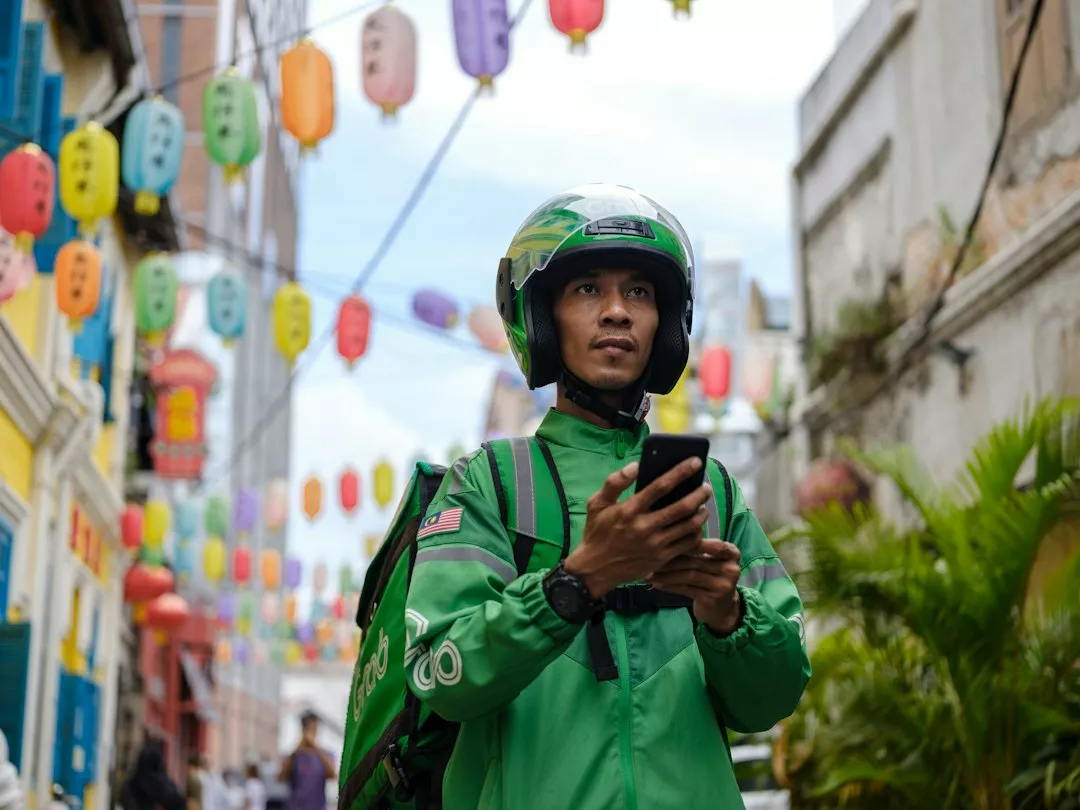
A few years ago, opening a bank account in the Philippines meant a trip to a branch, a queue, and a folder of documents. Today a lot of people finish the whole process on their phone in the time it takes to eat lunch. That convenience is wonderful, but it also raises a fair question I hear from friends all the time: is my money actually safe in a digital bank, and is it better than the traditional bank I already use?
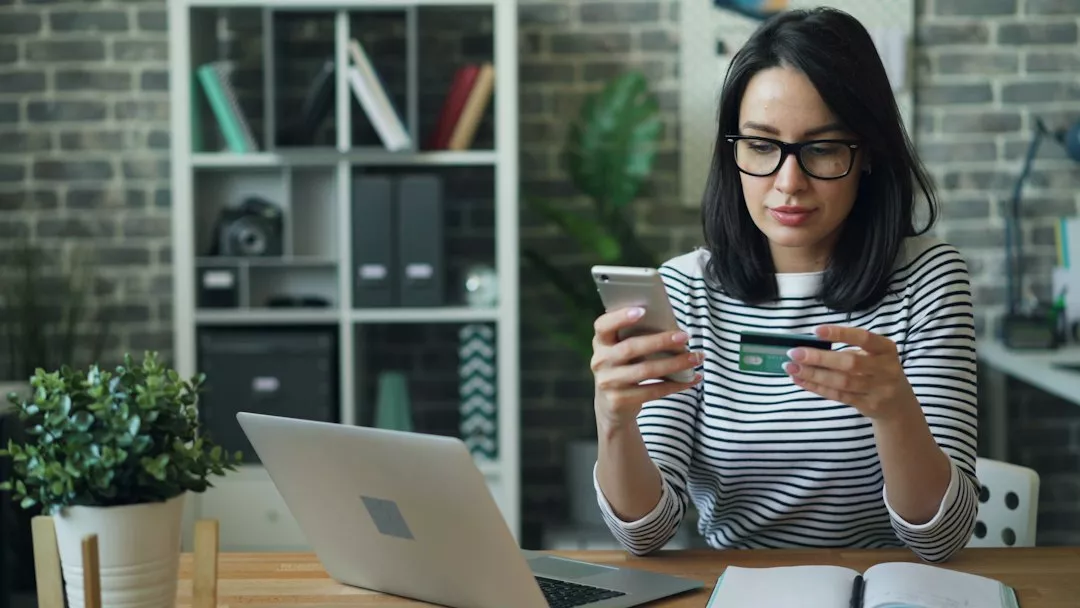
What a Digital Bank Actually Is in the Philippines
The first thing worth clearing up is the difference between a digital bank and an e-wallet. They look similar on your home screen, but legally they are different animals. A digital bank holds a banking licence from the Bangko Sentral ng Pilipinas (BSP), the country's central bank. An e-wallet is typically issued by an electronic money issuer, which is regulated differently. If you want a closer look at the wallet side, my GCash review walks through how that kind of product works day to day.
The BSP has a dedicated framework for digital banks, and it publishes a list of licensed institutions. Names you will commonly see include Maya Bank, GoTyme Bank, UnionBank's online arm, Tonik, UNO Digital Bank and OwnBank, among others. The exact lineup changes as licences are granted, so the safest habit is to check the BSP's own list of supervised financial institutions before you deposit anything with a name you only know from an ad.
You can read the regulator's approach directly on the Bangko Sentral ng Pilipinas website, which is also where you can verify whether an institution is genuinely licensed.
Is Your Money Safe? Understanding PDIC Coverage
This is the question that matters most, so let me be direct about it. Deposits in BSP-licensed banks, including digital banks, are generally covered by the Philippine Deposit Insurance Corporation (PDIC), a government agency that insures deposits if a bank fails. The coverage applies per depositor, per bank, up to a set maximum amount, and that ceiling has been adjusted over the years. Check the current figure on the PDIC website rather than trusting a number you read in an old blog post, including this one.
Two practical points follow from how this works. First, the insurance is per bank, not per account. Opening three accounts at the same bank does not triple your protection. Second, anything above the insured ceiling at a single institution is technically exposed if that institution fails. If you are saving a large sum, spreading it across more than one licensed bank is a simple way to stay fully covered.
Also remember that PDIC covers deposits, not investments. Many digital banking apps now offer mutual funds, time deposits and other products side by side. A time deposit is a deposit and is generally covered. A fund investment is not, and it can lose value. The screen design makes these look similar, so I always pause and read what category I am actually tapping into.

What Digital Banks Do Well
Account opening and everyday convenience
Opening an account usually takes a valid government ID and a selfie for verification. There is no branch visit, and many apps let you fund the account right away through bank transfer or a partner channel. For students, first-time jobbers and freelancers, that low barrier is the real selling point.
Savings features built around habits
Many digital banks lean on goal-based savings tools: separate pockets for travel, emergencies or gadgets, sometimes with a visible progress bar. It sounds gimmicky, but I have found that naming a pot makes me far less likely to dip into it. Interest rates on digital bank savings have often been more attractive than a basic passbook account at a big traditional bank, though the rates change and promotional rates can end, so treat any number you see in an ad as a snapshot, not a promise. It is worth reading how a rate is calculated and whether it applies to your whole balance or only part of it. If you want to understand what makes a rate genuinely good, I covered the basics in comparing interest rates.
Lower fees on routine transactions
Digital banks often advertise low or no maintaining balance requirements and free or cheap transfers through InstaPay and PESONet, the two main interbank transfer rails in the country. Fee policies differ by bank and change over time, so check the fee schedule inside each app before relying on a free transfer.
Where Digital Banks Fall Short
I would not be honest if I only listed the upsides. A few things still favour traditional banks.
Cash handling is the big one. Depositing and withdrawing physical cash is easier with a bank that has a branch and ATM network, such as BPI, BDO or Metrobank. Digital banks usually depend on partner ATMs or cash-in agents, which can mean extra steps or fees.
Product depth is another gap. If you need a home loan, a full range of credit cards, or business banking, the big universal banks still have wider offerings. Digital banks are growing their menus, but many are still focused on savings, simple loans and payments.
Finally, customer support can be thinner. When something goes wrong, you often rely on in-app chat rather than a branch manager. For routine questions that is fine. For a disputed transaction or a locked account, it can feel slower than walking up to a counter.
A Practical Way to Split Your Money
You do not have to pick a side. The setup I find most sensible is a simple division of jobs between accounts.
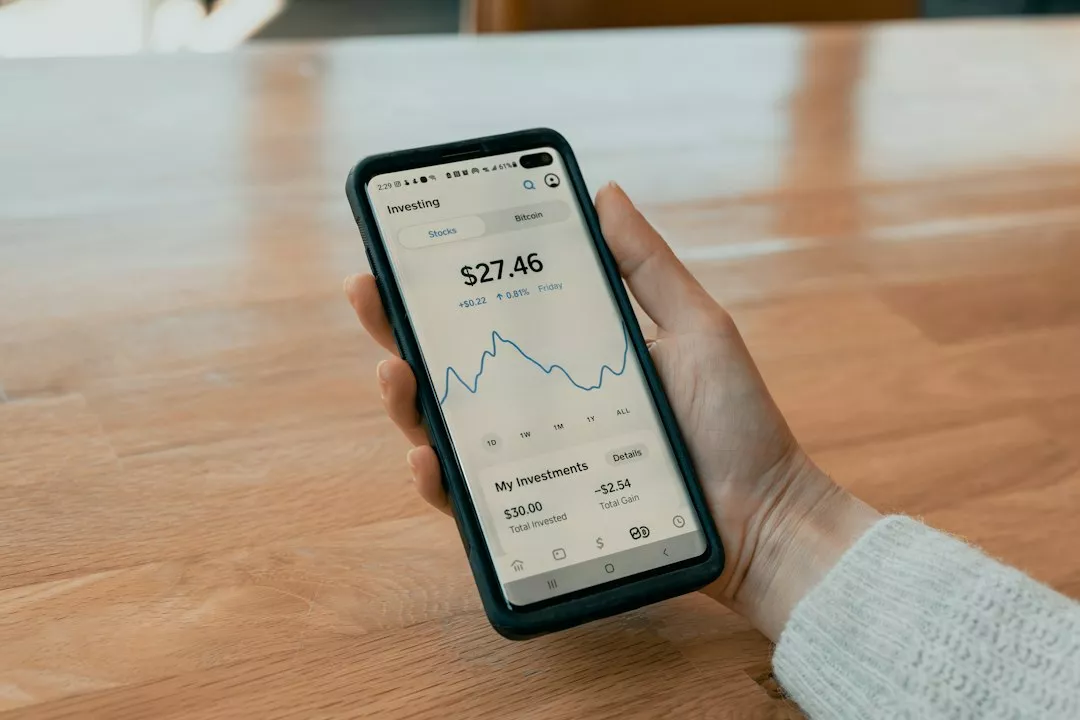
Keep one traditional bank account as your anchor. Your salary lands there, your bills and any loans or credit cards connect to it, and it handles cash when you need it. Then open one digital bank account purely for savings. Move a fixed amount there each payday, ideally automatically, and treat it as slightly out of reach. Keep an everyday e-wallet for small payments, QR purchases and splitting bills with friends.
This mirrors the advice in managing multiple bank accounts efficiently: give every account a single clear purpose so you always know what each peso is for. And if you are building a cushion, starting an emergency fund in a separate digital savings pocket is one of the easiest wins available.
A Checklist Before You Deposit
Before you move meaningful money into any digital bank, run through these questions.
Is the institution on the BSP's list of licensed banks? Is it a bank or an e-wallet, since the protections differ? Is the product a deposit that PDIC covers, or an investment that is not? Does the advertised interest rate apply to your whole balance, and for how long? What are the fees for transfers, cash-in and cash-out? Does the app offer two-factor authentication and the ability to lock your account or card quickly?
That last point matters more than people think. Scams targeting mobile banking users are common, from fake customer service calls to phishing links dressed up as bank messages. Never share your OTP with anyone, even someone claiming to be from the bank. I wrote more on this in spotting a financial scam before it hurts your wallet.
So, Are They Worth Using?
For most people, yes, as a supporting player rather than a total replacement. A licensed digital bank with PDIC-insured deposits can be a safe, low-friction place to grow your savings and practise better money habits. The risk is rarely the technology itself. It is carelessness: parking too much above the insurance limit in one place, confusing an investment with a deposit, or falling for a scam message.
Start small. Open one account, move a modest amount, and watch how the app behaves over a month or two. If the experience feels transparent and the fees match what you expected, you can slowly give it a bigger role. If something feels murky, you have lost nothing by staying cautious.

Wei Lin Chen
Banking consultant specializing in Singapore and Malaysia markets.